
If your B2B SaaS platform is losing users after the first week, the problem is rarely your features. It is almost always your UI/UX design. In the competitive SaaS world, a confusing interface can kill even the best product. This guide covers the best UI/UX practices for B2B SaaS platforms and shows you exactly how smart design drives retention, conversions, and revenue. Whether you are looking to outsource UX/UI design or build an in-house team, this article has everything you need to know.
Why UI/UX Design Is a Business Decision, Not Just a Design Decision

Many B2B companies treat UI UX design services as optional polish. That is a costly mistake. Studies show that every $1 invested in UX returns $100. Poor design causes 70% of online businesses to fail. And 88% of users say they won't return to a website after a bad experience.
For B2B SaaS specifically, the stakes are even higher. Your users are professionals. They are using your platform daily for hours. A frustrating interface translates directly into churn and lost revenue. That is why investing in UI UX Design Services is one of the smartest moves a SaaS company can make in 2026.
The 10 Best UI/UX Practices for B2B SaaS Platforms
1. Prioritize Onboarding Above Everything Else
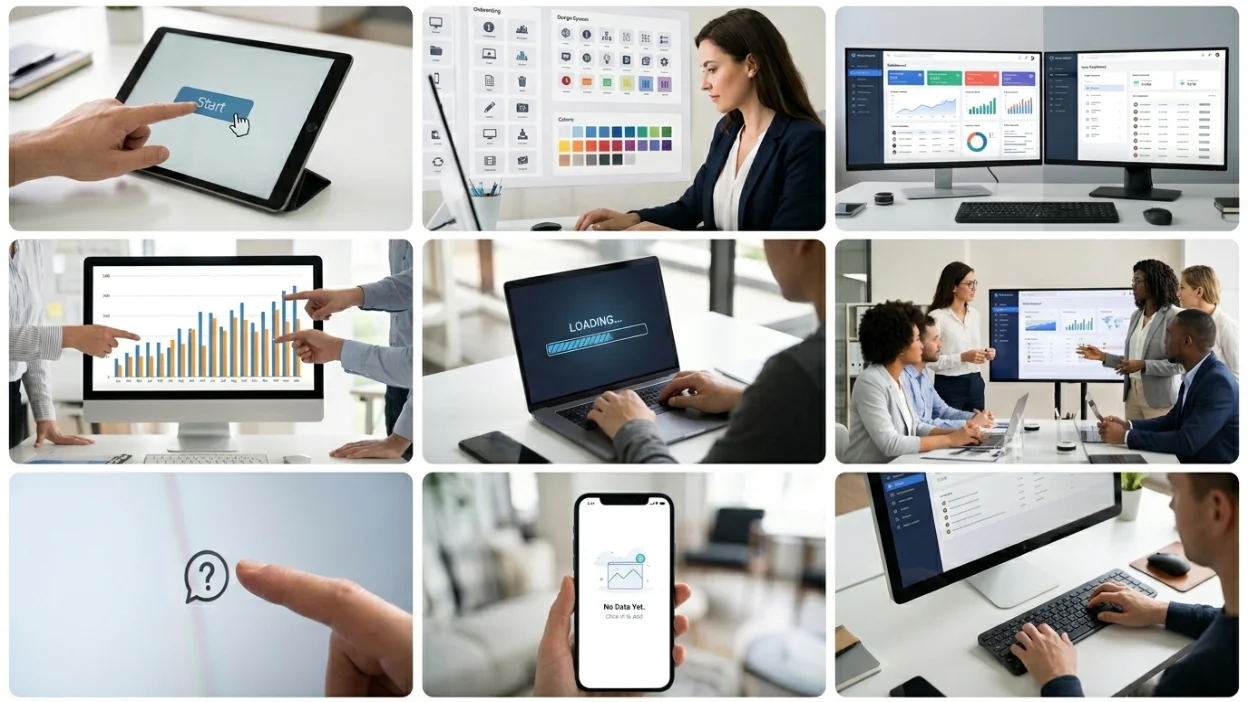
The first 10 minutes a user spends on your platform will decide if they stay. A smooth onboarding flow with clear UI/UX design dramatically increases activation rates. Use progress indicators, tooltips, and walkthroughs. Avoid information overload. Guide users to their first "aha moment" as fast as possible.
- Use interactive product tours for complex dashboards
- Show users only 3-5 key actions on their first login
- Send in-app messages based on user behavior
- Offer a quick-start checklist that tracks completion
2. Design for User Roles and Permissions
B2B SaaS platforms often serve multiple user types, admins, managers, and regular users. Each role has different needs. Your UI UX design must reflect this. Show each user only what they need. Hiding irrelevant options reduces cognitive load and improves task completion rates.
- Admins need full control and visibility
- Regular users need simplified, task-focused views
- Managers need data summaries and reporting dashboards
3. Use a Consistent Design System
A solid design system is the backbone of great B2B UI/UX. It ensures consistent colors, typography, spacing, and components across every screen. This reduces design debt, speeds up development, and gives users a predictable experience.
Design systems like Google Material Design, IBM Carbon, and Atlassian Design System are excellent benchmarks. When you outsource ui/ux designer talent from agencies, always ask about their design system approach.
4. Optimize Navigation for Complex Workflows
B2B SaaS platforms can be feature-heavy. Without smart navigation, users get lost. Apply these best practices:
- Use persistent left-side navigation for primary sections
- Implement breadcrumbs for deep page hierarchies
- Include a global search bar for quick access
- Use keyboard shortcuts for power users
Platforms that get this right see up to 40% fewer support tickets. It is also one area where outsource ui ux development services can make an immediate impact.
5. Make Data Visualizations Actionable
B2B SaaS dashboards are packed with data. The challenge is making that data meaningful. Users should not have to dig to find insights. Highlight KPIs. Use charts that communicate trends at a glance. Color-code statuses so users know immediately what needs attention.
- Use bar charts for comparisons, line charts for trends
- Highlight anomalies and thresholds visually
- Offer customizable dashboard views
- Avoid chart clutter, less is more
6. Design for Speed and Performance
A beautiful interface means nothing if it loads slowly. For B2B SaaS, speed is part of the user experience. Aim for under 2 seconds load time. Lazy-load heavy content. Use skeleton screens instead of spinners. Every 100ms delay in load time can reduce conversions by 1%.
7. Build Accessible, Inclusive Interfaces
Accessibility is not optional in 2026. WCAG 2.1 AA compliance is increasingly required by enterprise clients and government contracts. Good accessibility also improves the experience for all users. Ensure:
- Sufficient color contrast ratios (minimum 4.5:1)
- Keyboard navigation for all interactive elements
- Screen reader compatibility
- Clear focus indicators
This is especially important for banking ux ui design services and ui ux design services for healthcare applications, where regulatory compliance is critical.
8. Use Contextual Help and In-App Support
B2B SaaS products are complex. Users will hit walls. Instead of forcing them to open a new browser tab for help, bring help to them. In-context tooltips, help panels, and embedded knowledge bases dramatically reduce frustration and support costs.
- Tooltip icons next to complex fields
- Embedded how-to videos inside the app
- AI-powered in-app search
- Chatbots for instant answers
9. Design Empty States Thoughtfully
Empty states, what users see before adding data, are often ignored in UI/UX design. But they are a critical moment. A blank screen with no guidance is a dead end. Instead, use empty states to guide users to take their next action. Show a helpful illustration, a clear message, and a call-to-action button.
10. Continuously Test and Iterate
The best B2B SaaS UI/UX teams never stop testing. They run A/B tests on onboarding flows, analyze heatmaps, and interview users regularly. Design is not a one-time project. It is an ongoing process of learning and refinement.
- Run usability tests with real users monthly
- Track task completion rates and drop-off points
- Use session recordings to find friction points
- Survey users after key actions
Should You Outsource UX/UI Design or Build In-House?

This is one of the most common questions B2B SaaS founders face. The answer depends on your stage, budget, and goals. Here is a clear comparison:
| Factor | In-House Designer | Outsource UI/UX Design |
|---|---|---|
| Cost | High (salary + benefits) | Flexible (project or retainer) |
| Speed | Slower to ramp up | Faster, experts ready now |
| Expertise | One designer's skills | Full team of specialists |
| Scalability | Limited | Easy to scale up or down |
| Best For | Large teams, long-term product | Startups and growing SaaS |
For most early-stage B2B SaaS companies, it makes sense to outsource ui/ux designer work to a specialist agency. You get senior expertise, faster delivery, and lower overall cost. As your product matures, you can transition to a hybrid model.
Industry-Specific UI/UX Design: Healthcare, Banking, and Hospitality
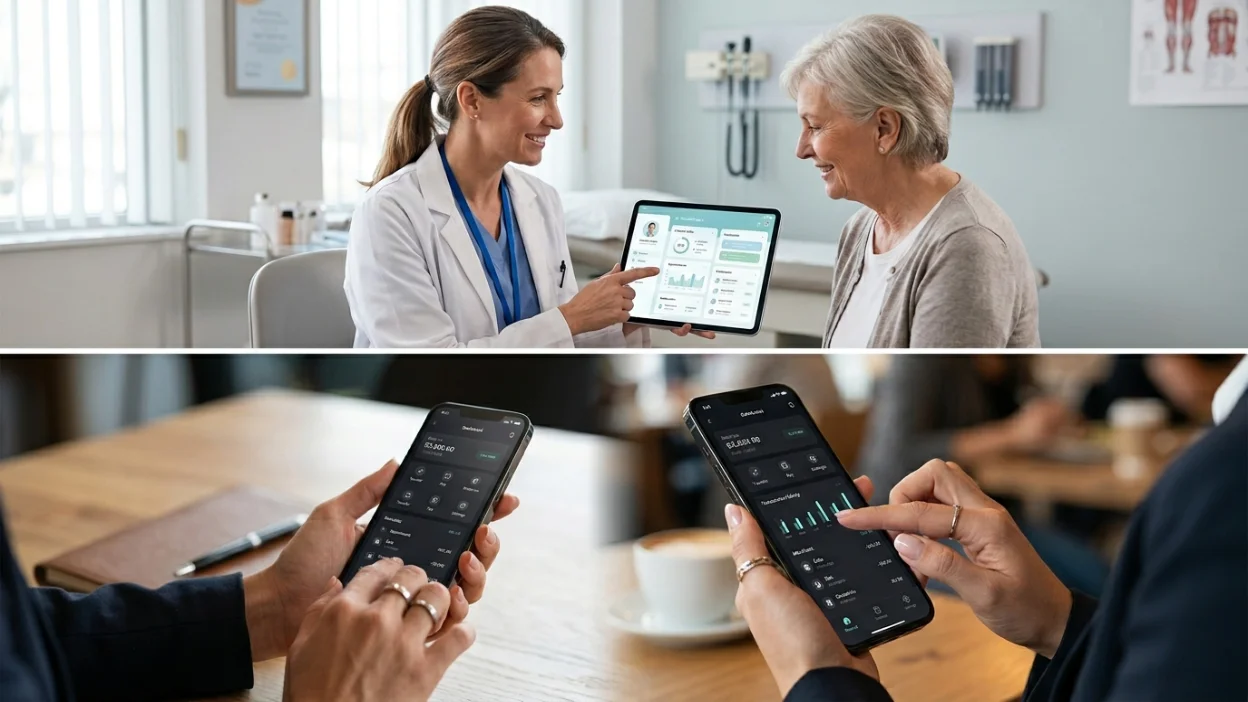
UI UX Design Services for Healthcare Applications
Healthcare is one of the most demanding verticals for UX. Patients and medical staff are under stress. Errors in healthcare software can have serious consequences. That is why ui ux design services for healthcare applications require a specialized approach.
- Prioritize clarity over aesthetics, legibility can be life-critical
- Ensure HIPAA-compliant data display and flows
- Design for diverse user literacy levels, from doctors to patients
- Use calming colors and minimal visual complexity
The right design can improve patient engagement significantly. When ux/ui design improve patient engagement, practices see higher appointment compliance, better medication adherence, and improved health outcomes. Agencies specializing in healthtech product design for ui ux improvement understand these nuances deeply.
If you are building a patient portal, telehealth platform, or EHR system, consider working with agencies specializing in healthtech product design for ui ux improvement. These experts know the regulatory landscape and best practices for clinical environments.
Banking UX UI Design Services
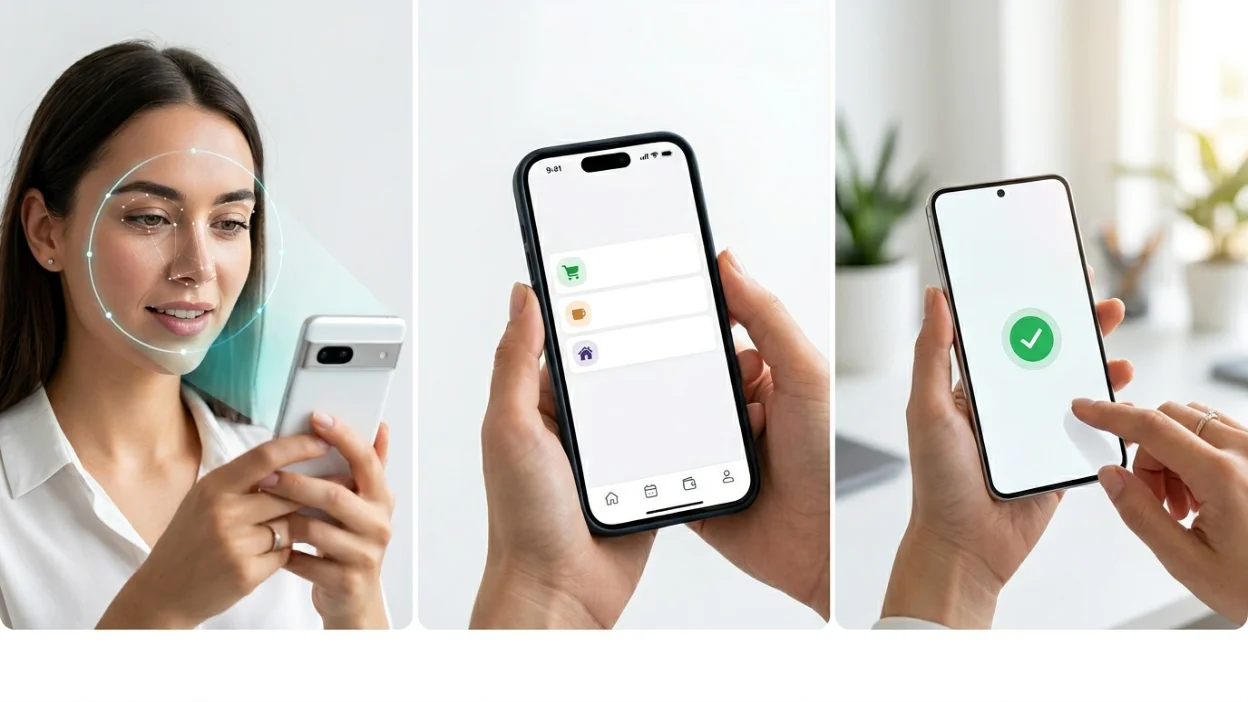
Trust is everything in financial services. Users who do not trust your interface will not enter their banking credentials. Banking ux ui design services must balance security with simplicity.
- Clear transaction histories with filtering and search
- Instant feedback on actions (deposits, transfers, payments)
- Two-factor authentication flows that feel seamless
- Alerts and notifications that are helpful, not alarming
- Mobile-first design since most users access banking on smartphones
Great banking UX also means designing for error prevention. Users should never accidentally make irreversible actions without clear confirmation prompts. This is where UI UX Design Services from specialized teams makes all the difference.
Hospitality UX UI Consulting Services
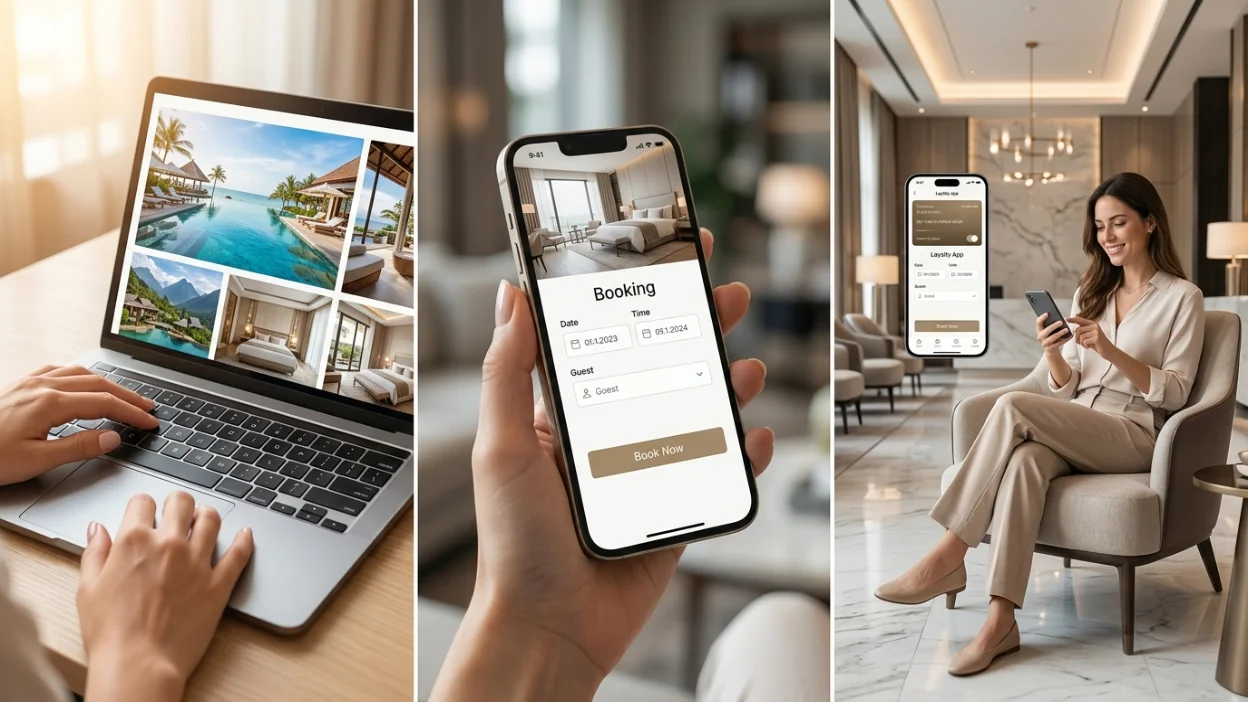
The hospitality industry has shifted heavily digital. Hotels, restaurants, and travel platforms now compete on digital experience. Hospitality ux ui consulting services focus on:
- Intuitive booking flows with minimal steps
- High-quality imagery integrated with functional UI
- Real-time availability and pricing updates
- Loyalty program integration and personalization
- Mobile-optimized interfaces for on-the-go booking
Guests who find your booking process frustrating will go to a competitor. The investment in great UX pays off immediately in reduced abandonment rates and increased direct bookings.
Ecommerce Store UI/UX Services: Design That Sells
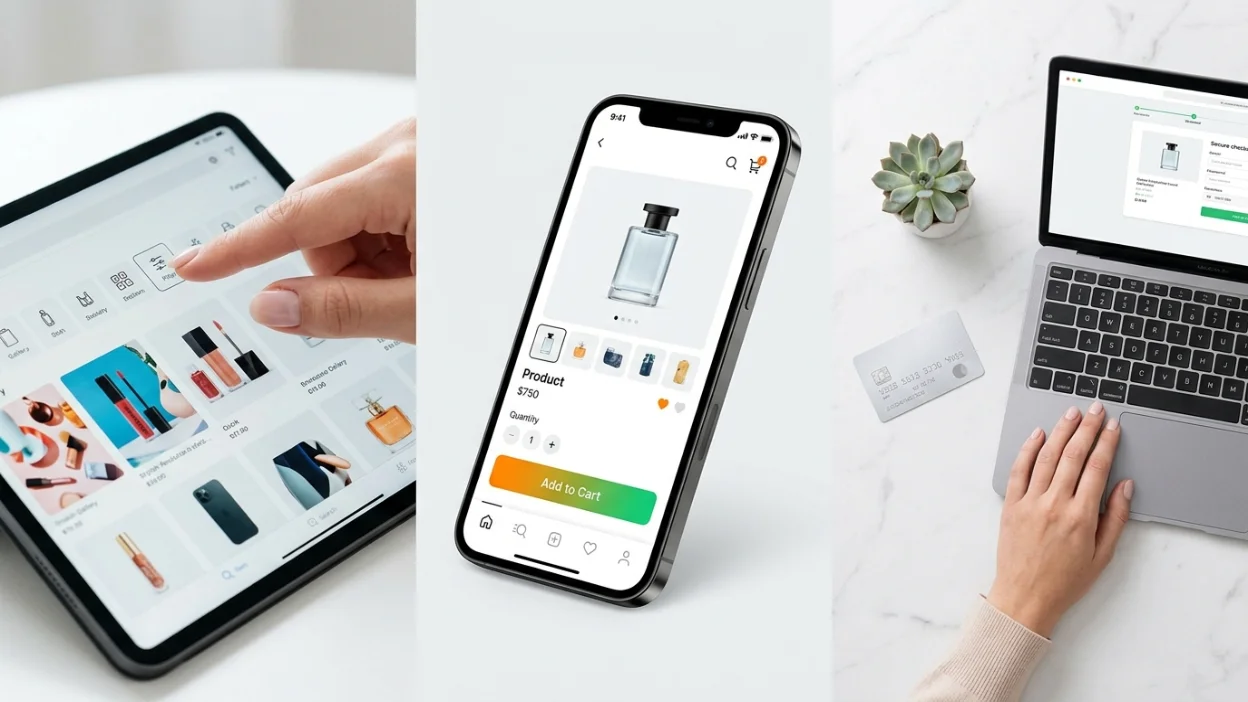
For ecommerce store ui/ux services, the goal is simple: remove every barrier between the user and the purchase. Here are the top conversion-focused UX strategies:
Make product search fast
and intuitive with filters, sorting, and autocomplete
Design product pages with clear hierarchy
image, title, price, CTA, then details
Simplify checkout
to 3 steps or fewer, cart, shipping, payment
Show trust signals
reviews, security badges, and return policies
Use persistent cart
so users don't lose items when browsing
Optimize for mobile
over 60% of ecommerce traffic is now mobile
Whether you are on Shopify, WooCommerce, or a custom platform, E-Commerce design expertise can dramatically lift your conversion rate. Even a 1% improvement in conversion rate can mean tens of thousands in additional revenue.
Web and Mobile Application Design That Keeps Users Coming Back
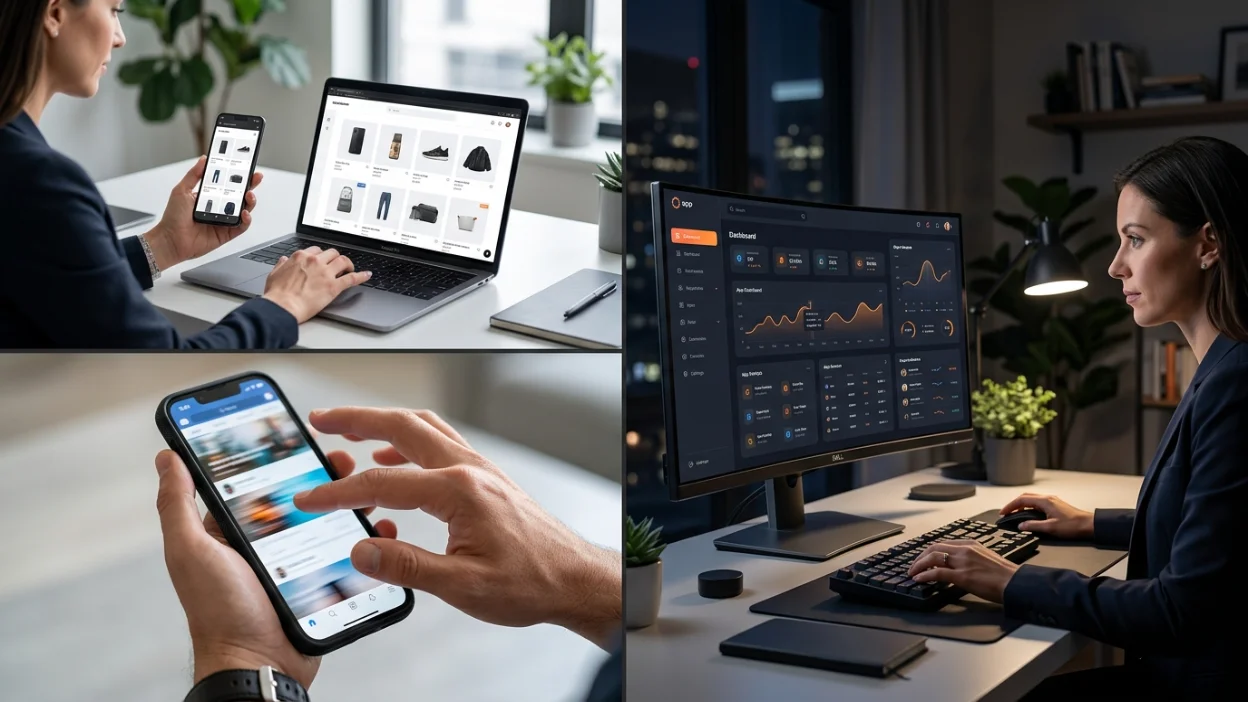
B2B SaaS products live and die by their Web Applications and Mobile Applications. Great design across both platforms is non-negotiable. Here is what separates top-performing apps from the rest:
- Responsive design: Interfaces that work seamlessly on every screen size
- Offline capability: Mobile apps that function without constant internet
- Push notifications: Thoughtful, non-spammy alerts that bring users back
- Gesture-based navigation: Swipe, tap, and pinch patterns users already know
- Dark mode: An increasingly expected feature for professional apps
When you pair strong Web Development with expert UX design, you get products that are not just beautiful but also fast, reliable, and scalable.
The Role of Branding and Animations in UI/UX
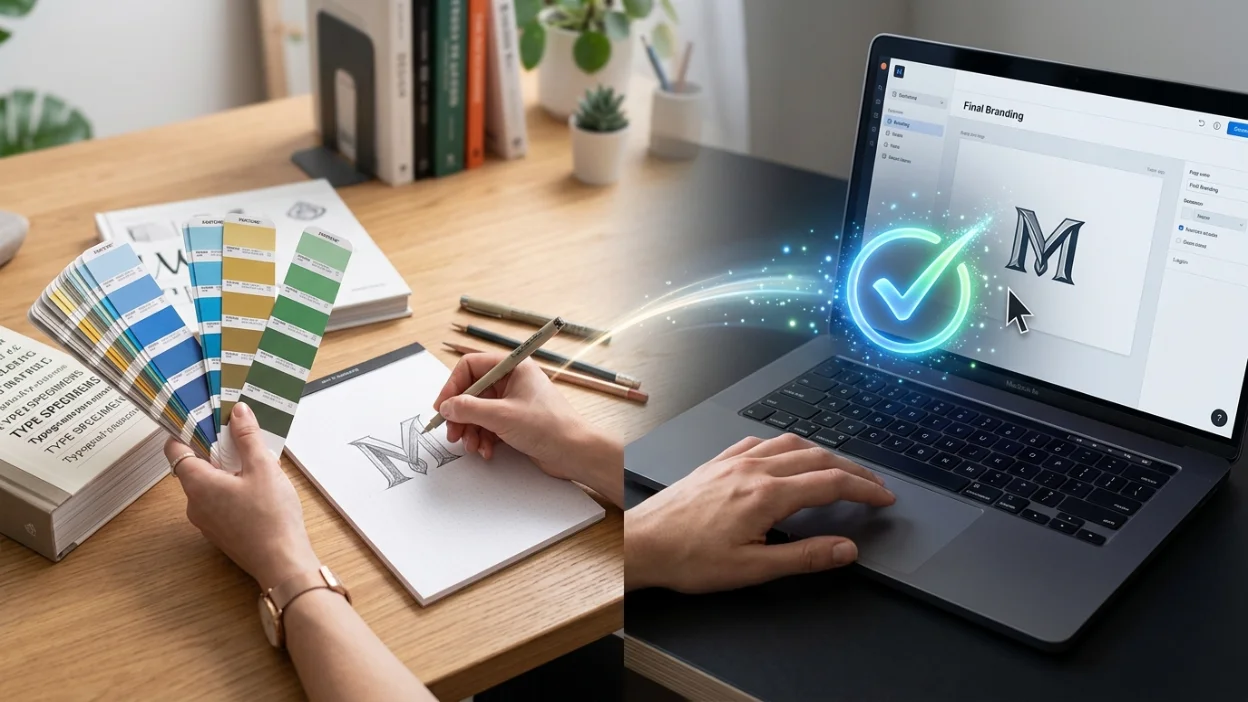
Great UI/UX is inseparable from strong Branding. Your visual identity, colors, typography, logo, shapes how users feel about your product before they click a single button. Consistency between your brand and your interface builds trust.
Micro-interactions and Animations play a supporting role. A subtle hover effect, a loading animation, or a success checkmark can make interactions feel polished and responsive. But they should never slow down the experience. Animation should be purposeful, not decorative.
Connecting UI/UX Design to Your Digital Marketing Strategy
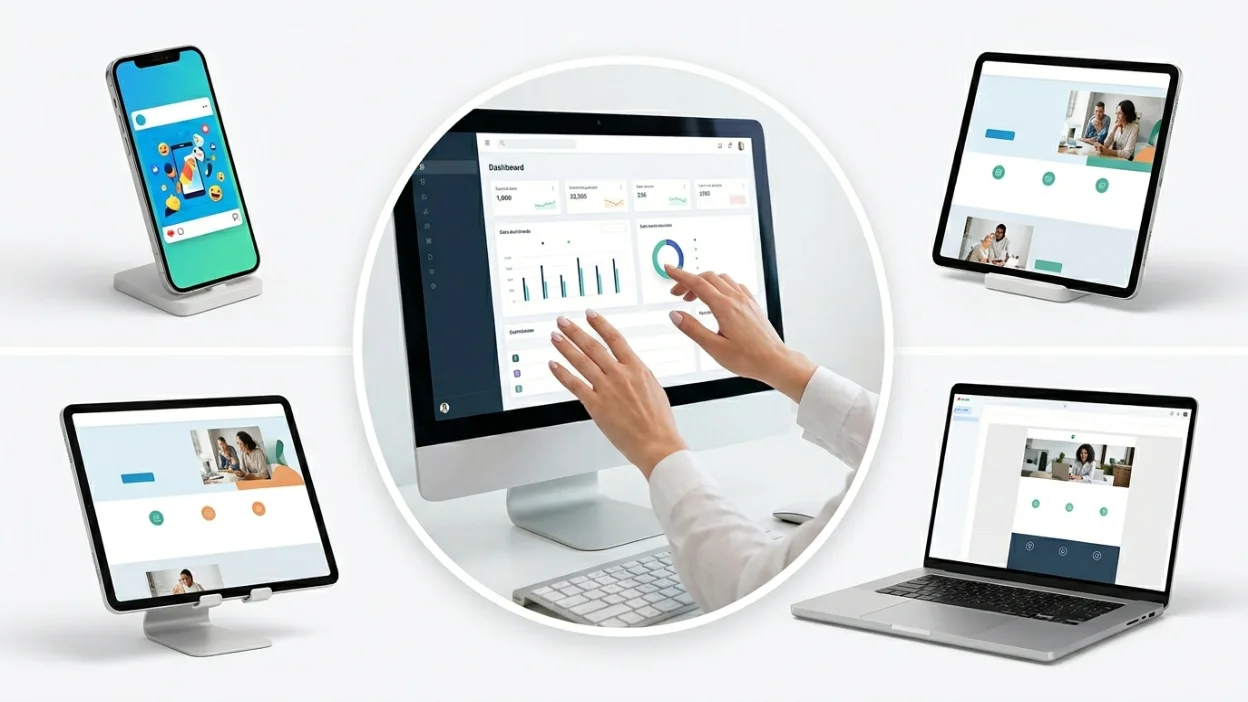
Your design and your Digital Marketing efforts should work together. Landing pages, ad creatives, and email templates all impact user experience and conversion rates.
- Your Google Ads landing pages need clean, fast, conversion-focused design
- Your Email Marketing campaigns should match the visual language of your product
- Your SEO strategy benefits when good UX reduces bounce rates and increases time on page
- Your SMM content performs better when it visually aligns with your product's brand
A unified design language across all channels creates a seamless user journey from first ad impression to active customer.
Comparing UI/UX Design Approaches: DIY vs Agency vs Freelancer

| Criteria | DIY | Freelancer | Agency |
|---|---|---|---|
| Cost | Low | Medium | Medium-High |
| Quality | Variable | Good (one skill set) | High (full team) |
| Speed | Slow | Medium | Fast |
| Strategy | None | Limited | Full strategic support |
| Scalability | None | Limited | Excellent |
Key Takeaways: What Great B2B SaaS UI/UX Looks Like
- Clarity beats cleverness. Your interface should be instantly understandable.
- Design for the task, not the feature. What is the user trying to accomplish? Start there.
- Speed is a feature. Fast, responsive design increases satisfaction and retention.
- Accessibility is not optional. It is a baseline requirement in 2026.
- Never stop testing. Real users will always surprise you.
- Outsourcing can accelerate everything. The right agency brings expertise, speed, and a fresh perspective.
Frequently Asked Questions
What are the best UI/UX practices for B2B SaaS platforms?
The best practices include streamlined onboarding, role-based interfaces, consistent design systems, accessible design, fast load times, contextual help, and continuous usability testing. These practices reduce churn and increase user satisfaction for B2B SaaS platforms.
How does UX/UI design improve patient engagement?
When ux/ui design improve patient engagement, it works by making health information clearer and actions easier. Simple appointment scheduling, easy medication reminders, and clear health records in a patient portal all drive higher engagement. Patients are more likely to follow through when the interface removes friction.
Should I outsource UX/UI design or hire in-house?
For most B2B SaaS startups, it is more cost-effective to outsource UX/UI design. Agencies bring a full team of specialists at a lower total cost than hiring even one senior in-house designer. As your team grows, you can blend both approaches.
What do banking UX UI design services include?
Banking ux ui design services typically include user research, journey mapping, wireframing, prototyping, usability testing, and final UI delivery. They also cover compliance-aware design for financial regulations.
What makes ecommerce store UI/UX services effective?
Effective ecommerce store ui/ux services focus on fast product discovery, clear product pages, simplified checkout, mobile optimization, and trust-building elements. Every design decision should reduce friction in the buying journey.
Why is hospitality UX UI consulting important?
Hospitality ux ui consulting services help hotels and travel brands increase direct bookings by making digital booking experiences faster and more enjoyable. A better booking flow reduces abandonment and builds brand loyalty.
What should I look for in agencies specializing in healthtech product design?
When evaluating agencies specializing in healthtech product design for ui ux improvement, look for HIPAA awareness, experience with clinical workflows, a portfolio of healthcare products, and a strong understanding of patient and clinician personas.
For more questions?
Contact Us
In 2026, the best product does not always win. The product with the best experience wins. Whether you are building a B2B SaaS platform, a healthcare application, a banking solution, or an ecommerce store, your design is your competitive advantage. The best UI/UX practices for B2B SaaS platforms are not secrets. They are proven frameworks backed by data and refined through real user feedback. Start with your users, design for their goals, test relentlessly, and never stop improving.